Feel free to reach out to us with any questions you might have about our services, finding work or getting into teaching.
As part of our recent system upgrade, you can now view and download payslips through your candidate portal.
As part of our recent system upgrade, payslips are now available securely through our new candidate portal.
To help protect your personal information and comply with GDPR requirements, we can no longer send payslips as email attachments. Instead, you can view and download your payslips whenever you need them through the portal.
If you have not yet accessed the new portal please follow the below steps:
To protect your personal data and comply with GDPR requirements, we no longer send payslips as email attachments. All payslips are now available securely through the candidate portal.
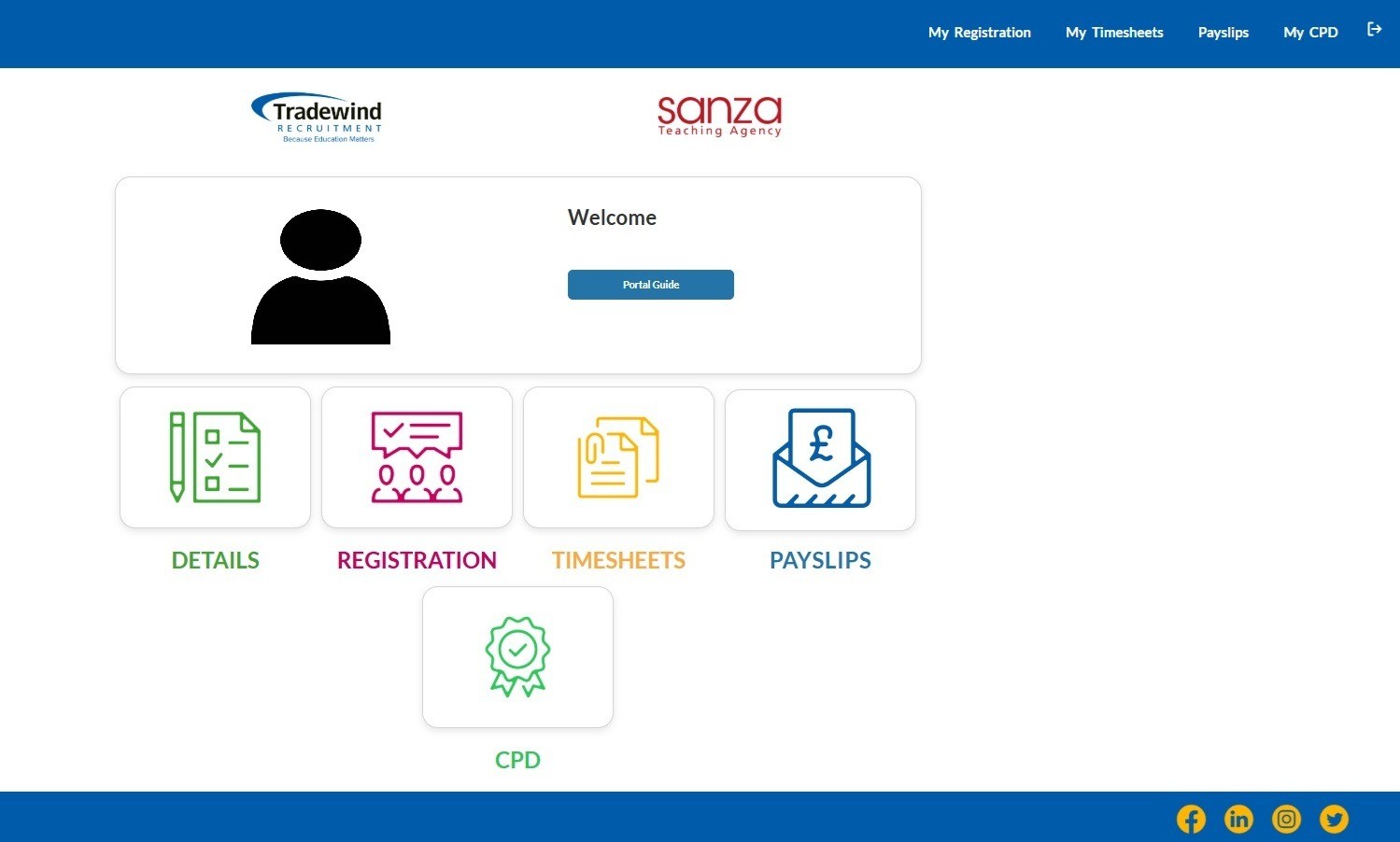
Once logged in to the portal, you can access your payslips by:
Clicking the PAYSLIPS button on the homepage, or
Selecting PAYSLIPS from the menu in the top-right corner.
Only payslips issued from 14 August 2026 onwards are available within the new candidate portal.
Payslips issued before 14 August 2026 are not available in the portal.
These should have been sent to your email address when they were originally issued. Please check your inbox and email archive first.
If you cannot locate a previous payslip, please contact your consultant for assistance.
Yes. Once you have accessed the payslip section of the portal, you can view and download available payslips whenever required.
No. Availability changes cannot currently be made through the candidate portal.
If you need to update your availability, please contact your consultant.
No. Timesheet amendments cannot currently be made through the candidate portal.
If you need to make changes to a submitted timesheet, please contact your consultant directly.
Yes. To ensure your timesheet can be processed correctly and your payment is not delayed, any amendments should be submitted before midday every Monday.
Changes received after this time may result in a delay to your payment.
Click Forgot Password on the portal login page and follow the instructions sent to your registered email address.
If you're experiencing difficulties accessing the portal, resetting your password, or viewing your payslips, please contact your consultant who will be happy to help.
For support with accessing the candidate portal, password reset issues, missing payslips, timesheet amendments or availability updates please contact your consultant directly.